Web Design · Sep 1, 2026
The WP2Shell Flaw: Why Your WordPress Site Needs an Update Today
Hackers are actively exploiting recently patched WordPress flaws that can hand over control of a site. Here is what the WP2Shell situation means for business owners and the exact steps to lock things down.
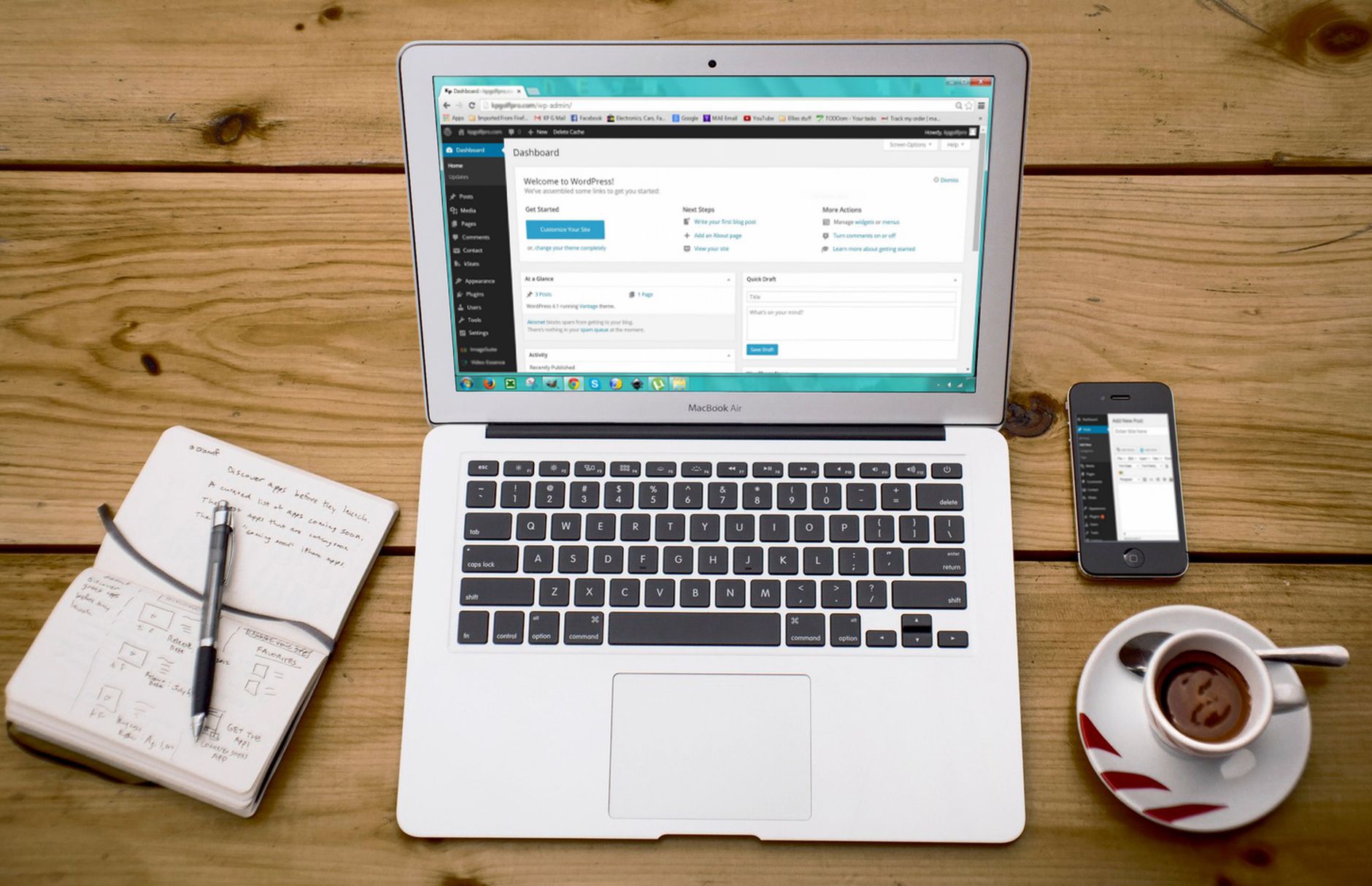
If your business runs a WordPress website, the most important thing you can do this week is update it. That is not general advice. Security firms are reporting that attackers are actively exploiting two critical flaws in WordPress that, in a worst case, can let a remote hacker take complete control of a site. The internet-wide scramble to patch is already underway, and the window for staying safe is closing fast.
What is happening
WordPress recently shipped urgent security releases covering two critical vulnerabilities, widely referred to together as WP2Shell. The project pushed forced updates on as many sites as it could because the flaws are severe enough to allow remote code execution. Within days, independent researchers from multiple security firms began documenting real exploitation in the wild, meaning compromised sites were being used before many owners even knew there was a patch waiting for them.
The affected versions span several widely used releases, including both the older 6.9 series and the newer 7.0 series. That is a broad reach. WordPress powers a large share of the open web, so a flaw of this scale touches tens of millions of sites by the most conservative estimates. For a small business running an online store, a booking system, or even a straightforward brochure site, the stakes are the same: if a hacker owns the admin account, they can deface the site, inject malware for visitors, or quietly harvest customer data.
Why this matters for business owners
It is easy to assume a website is someone else's problem once it is live. The hosting company handles the servers, a freelancer built the theme, and WordPress is maintained by a large community. That split responsibility is exactly where the risk hides. Forced automatic updates only reach the core software, and even then not always. The plugins and configuration that make a business site work are usually the owner's responsibility, and those are frequently the weak points.
The broader lesson from WP2Shell is about update hygiene. The businesses that weather this kind of event are rarely the ones that never get targeted. They are the ones that update quickly and keep a clean, minimal website with few plugins and a solid backup. In a serious campaign, speed is a genuine competitive advantage for staying safe.
The practical checklist
Here is a focused set of steps that applies whether you manage your own site or rely on an agency. Work from the top down, because each step reduces the chance you are the next compromised site.
Update WordPress core now. Log in to the dashboard and run updates for WordPress itself, then all plugins and themes. If you are on a recent affected release, do not wait for a maintenance window. This update is the whole point and should go first.
Check for a forced-update status. WordPress attempted automatic updates for reachable sites. Confirm yours actually completed and is running a patched release. If you disabled automatic updates in the past for stability reasons, re-enable them for core at minimum and inspect the versions afterward.
Audit your administrator accounts. After an event like this, examine the users list in WordPress and remove accounts you do not recognize. A common attack outcome is a rogue admin account created silently. Look for recently added users or anything with elevated roles that you cannot explain.
Talk to your agency or host. The agencies, developers, and hosts that responded well here are the ones actively applying updates and checking logs. If your team has not mentioned WP2Shell, it may be time to ask whether your site is protected and on which schedule. Every detailed account of the incident keeps returning to the same conclusion: the sites still at risk are the ones that have not updated yet.
Verify your backups and security posture. After patching, confirm your off-site backups are current and test a restore. Consider adding a web application firewall and two-factor authentication for administrator accounts. Two-factor is one of the highest-value, lowest-cost defenses you can add, because it stops most account takeover even when credentials leak.
What to avoid
Do not panic and delete plugins by hand in a rush. A hasty, unplanned tidy-up can break features and leave your site less secure than before if it is done on an unpatched core. The order matters: patch first, then audit slowly. Do not rely on one layer either. A firewall is helpful, but it is not a substitute for applying the update. Do not assume your hosting provider handled everything, because many providers patch the platform but leave your application files to you.
The takeaway
WordPress remains a sensible foundation for a business website, and incidents like this should not scare anyone off. They should, however, reset expectations about maintenance. A website is never a finished product. It is software that needs regular, careful attention, and a security event like WP2Shell is a sharp reminder that the cost of a single skipped update can be a full compromise.
For most small businesses, the reliable path is to hand recurring updates, monitoring, and backups to a team that treats them as routine rather than an afterthought. That is exactly the kind of ongoing maintenance that separates a website that quietly serves customers for years from one that becomes a headline. If you would like help reviewing your WordPress setup, securing it, or setting up dependable automation around backups and updates, Gone Fishing Labs builds and maintains business websites with operational safety baked in. Get in touch and we will walk through what your site actually needs.
Need help with a website or automation project? Talk with Gone Fishing Labs.