
AI & Tools · Sep 13, 2026
AI Computer-Use Agents: The Automation Breakthrough Small Businesses Have Been Waiting For
AI agents can now operate screens the way your employees do — clicking, typing, and navigating web portals without any API. Here's what that means for small-business automation in 2026.
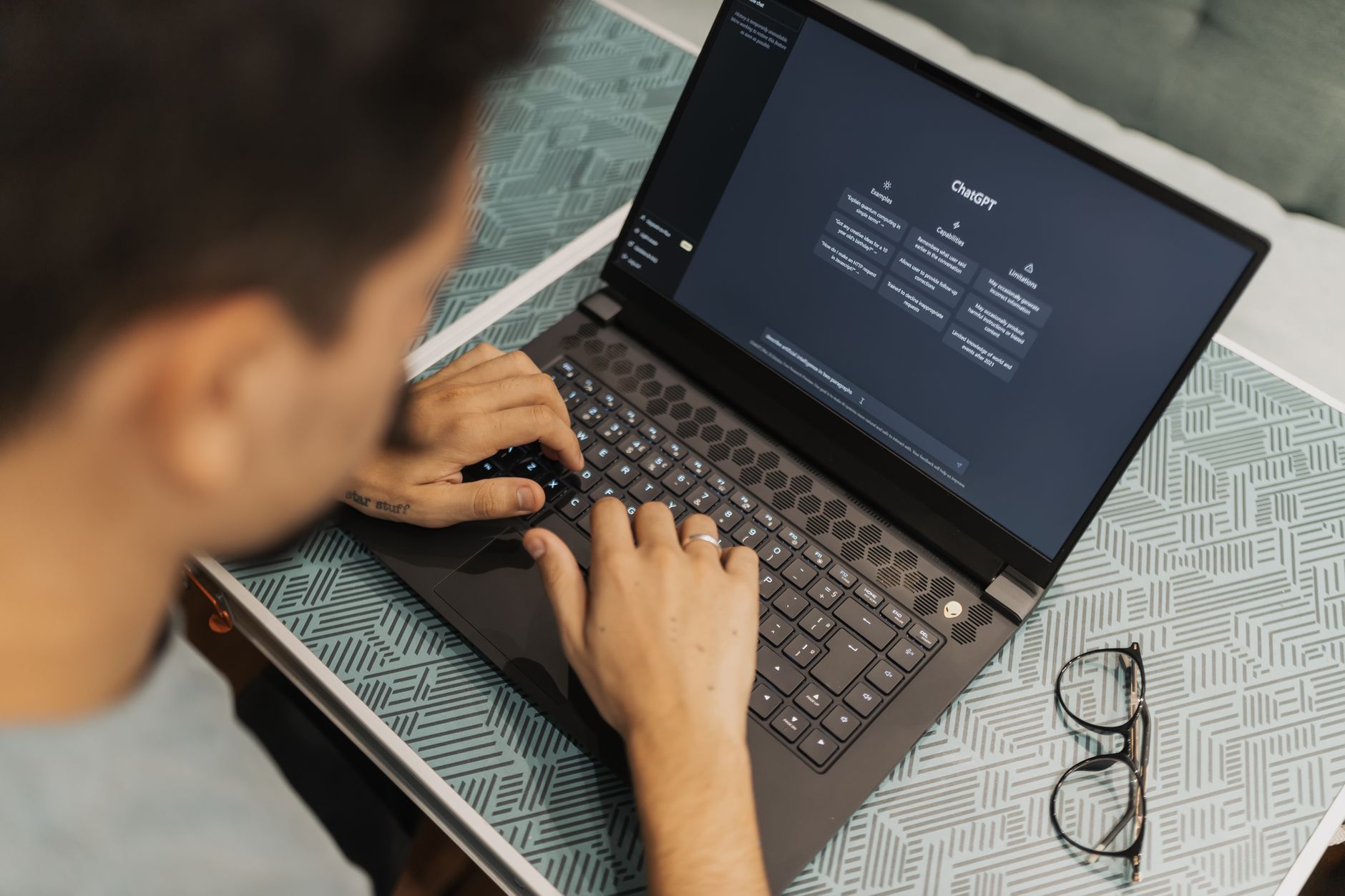
Every small business has that one task. The one where someone on the team opens a browser, logs into a supplier portal, and clicks through the same six screens to place an order. Or re-types a quote from one system into another because the two were never built to talk to each other. It is not complicated work. It just keeps happening, and it eats hours that could go toward something more valuable.
That recurring cost has a name now: the copy-paste tax. And in 2026, a new class of AI tools is finally making it possible to stop paying it.
What Changed: AI Agents That Use Screens Like People Do
Traditional automation — think Zapier, custom APIs, or middleware — requires both systems to offer a programmatic connection. If a supplier portal does not have an API, you are out of luck. Someone has to log in and do it by hand.
Computer-use AI agents work differently. They look at the screen, read what is on it, move the cursor, click buttons, and type into fields — exactly the way an employee already does. Anthropic shipped this capability for Claude in late 2024. OpenAI followed with Operator, now folded into ChatGPT's agent mode. Google has its own browser agent in the same category.
The performance jump has been dramatic. On the OSWorld benchmark, which measures an agent's ability to complete real desktop and web tasks, Claude went from a 14.9% task-completion score at launch to 61.4% by 2025 — roughly a fourfold improvement in about a year. That is not a lab curiosity. It is a tool that can reliably navigate a real web portal today.
Why This Matters Specifically for Small Businesses
Larger companies have engineering teams that can build custom integrations between every system they use. Small businesses do not. The tools a small business actually runs on — a regional supplier's ordering site, a municipal permit portal, a legacy point-of-sale system — were built for human browsers, not for software-to-software communication.
A computer-use agent does not need an API. It works the interface the same way your employee already does, which means it can reach into the systems that API-based automation never could. That is the real unlock.
The pain point is well documented. According to NFIB research, 73% of small business owners name administrative workload as their single biggest time drain — ahead of hiring, compliance, and cash flow. The tasks that make up that workload are exactly the profile of work a computer-use agent handles well: repetitive, screen-based, and clearly defined.
Where Computer-Use Agents Actually Work Today
The technology is young, so the strongest use cases right now are narrow and low-judgment. These are tasks where a human already knows exactly what success looks like — the agent just needs to do the clicking.
Supplier reordering. A weekly ritual for many small businesses: log into a supplier portal, check inventory levels, and place a standard order. An agent can handle this on a schedule, flagging only the exceptions that need a human decision.
Competitor price monitoring. Checking three or four competitor websites every morning to see what changed. An agent can do this in minutes and deliver a clean comparison, instead of someone spending an hour with four browser tabs open.
Form submissions and renewals. Permit renewals, insurance claim submissions, vendor onboarding paperwork — the kind of forms that require copying the same information into slightly different fields across different portals. An agent reads the data once and enters it everywhere.
Legacy system data extraction. That old accounting system or inventory tool with no export button? An agent can open it, pull the data you need, and put it somewhere useful.
The common thread: no judgment call required, a clearly defined outcome, and a screen that a human currently clicks through by hand at least weekly.
What to Watch Out For
An agent that can click anything on a screen is also an agent that can click the wrong thing. Three guardrails matter most.
Start narrow. Pick one task, define the success metric before you launch, and prove the value before expanding. This is the same discipline that separates AI pilots that reach production from the 95% that do not.
Protect credentials. Never grant an agent direct access to payment methods or stored passwords without a human-approval step in the loop. Run it in a sandboxed or view-only environment first.
Watch for drift. Web interfaces change. A button moves, a form layout updates, a login flow adds a step. The agent needs monitoring, not just deployment. Plan for the maintenance cost.
The Practical Starting Point
If you are evaluating this for your business, start with the task you repeat most — not the most interesting one. The one that takes thirty minutes every Monday morning and never requires a creative decision. That is your first candidate.
The technology is moving fast. Gartner's 2026 CIO and technology executive survey found that more than 60% of organizations expect to deploy AI agents within two years. For small businesses, the playbook is simpler: pick one workflow, partner with a vendor who has already solved the hard engineering, and measure the time saved. If it works, expand. If it does not, you have lost a pilot, not a transformation budget.
The copy-paste tax has been quietly running the tab for years. In 2026, the tools to finally settle it are here.
Need help with a website or automation project? Talk with Gone Fishing Labs.